Download invoices 
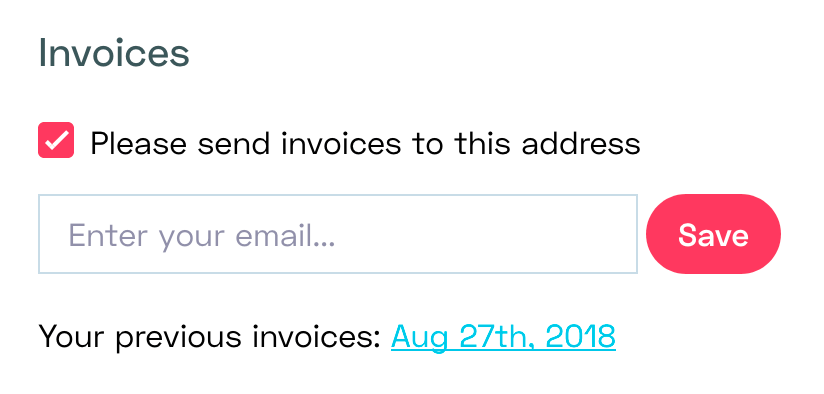
You can find your invoices in the Invoices section of your account settings.
We offer you two ways to get your invoices:
- One is to download them from your account settings and click on one of the past invoices.
- Two is to receive them by email. We always email your invoices to you. To also send them to another email address (for example that of your accountant), check “Please also send invoices to this email address”, fill in the address, and click “Save”. You will only get future invoices on that address.